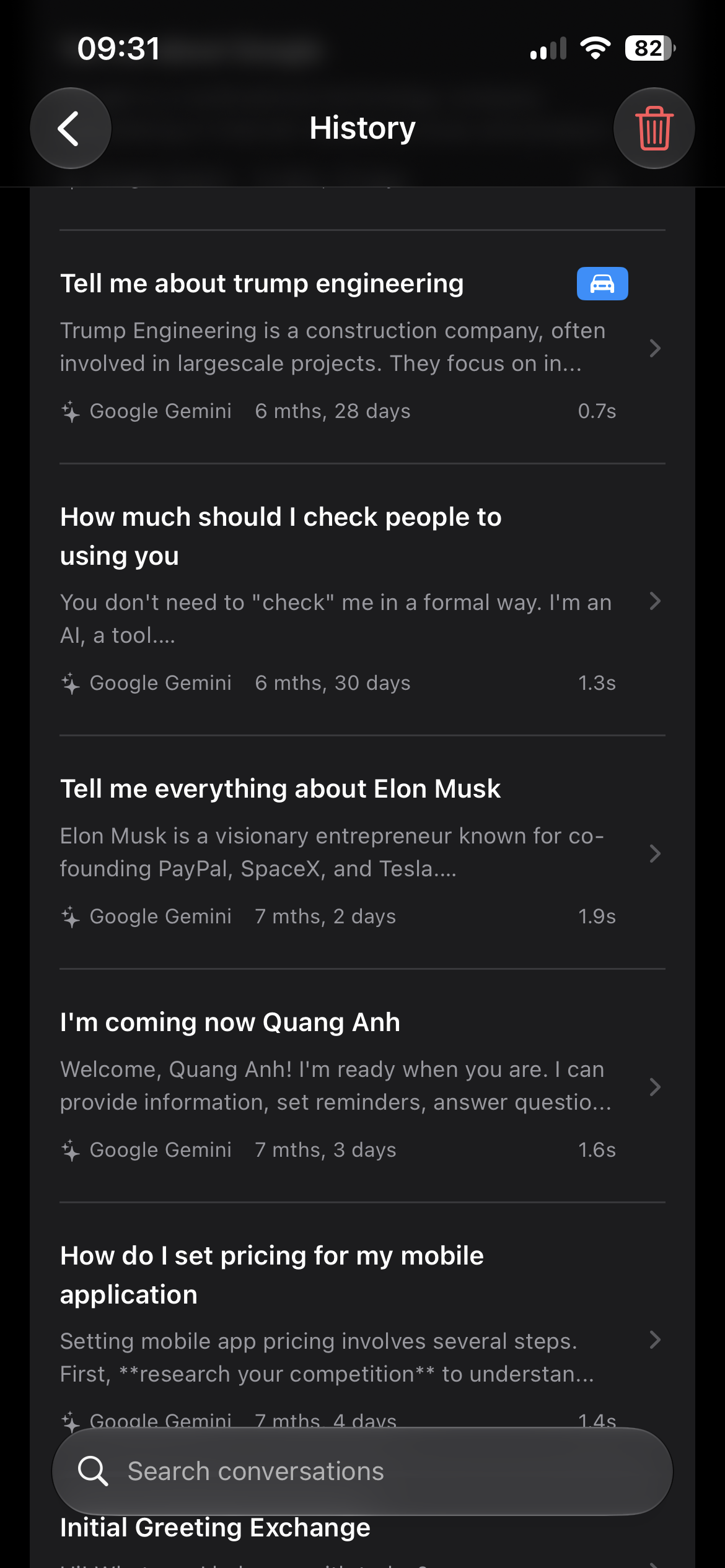
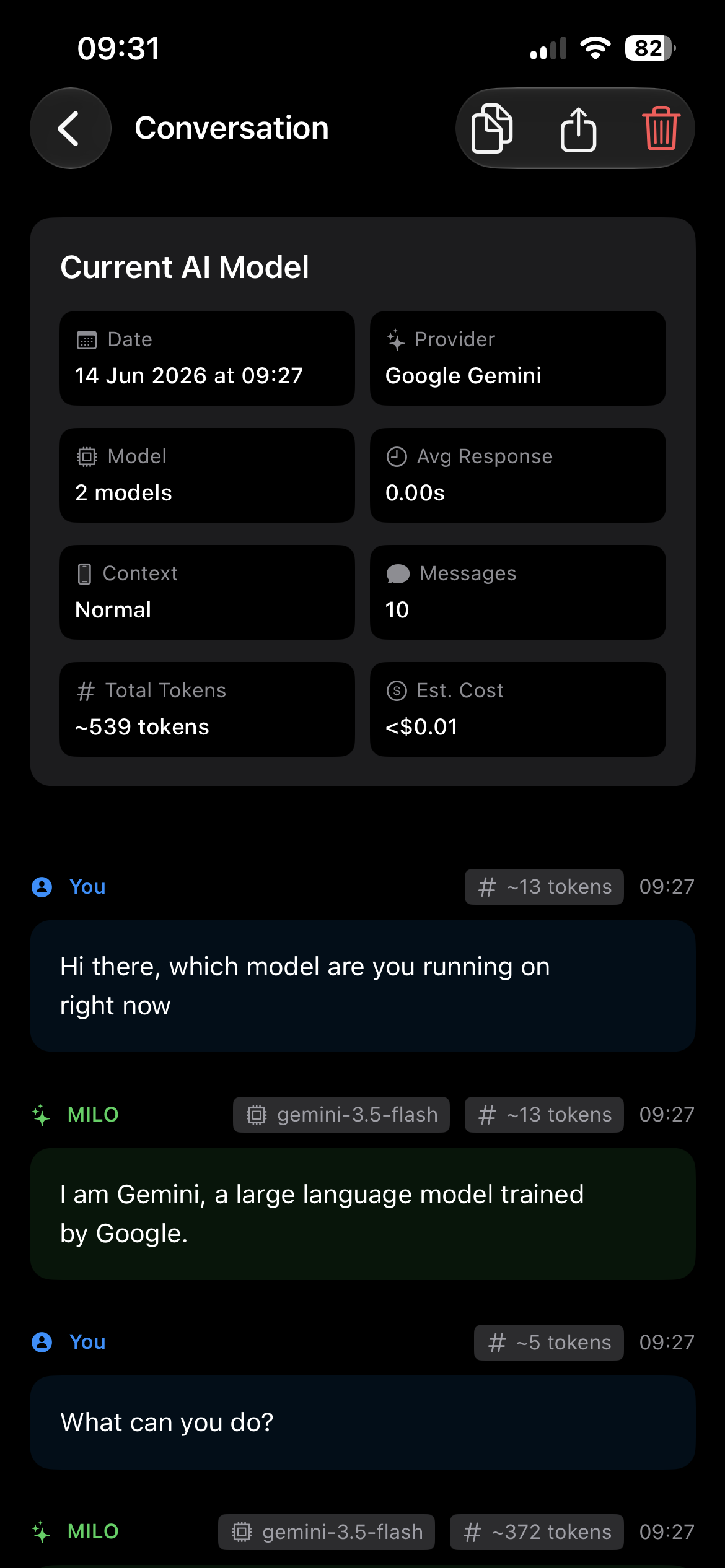
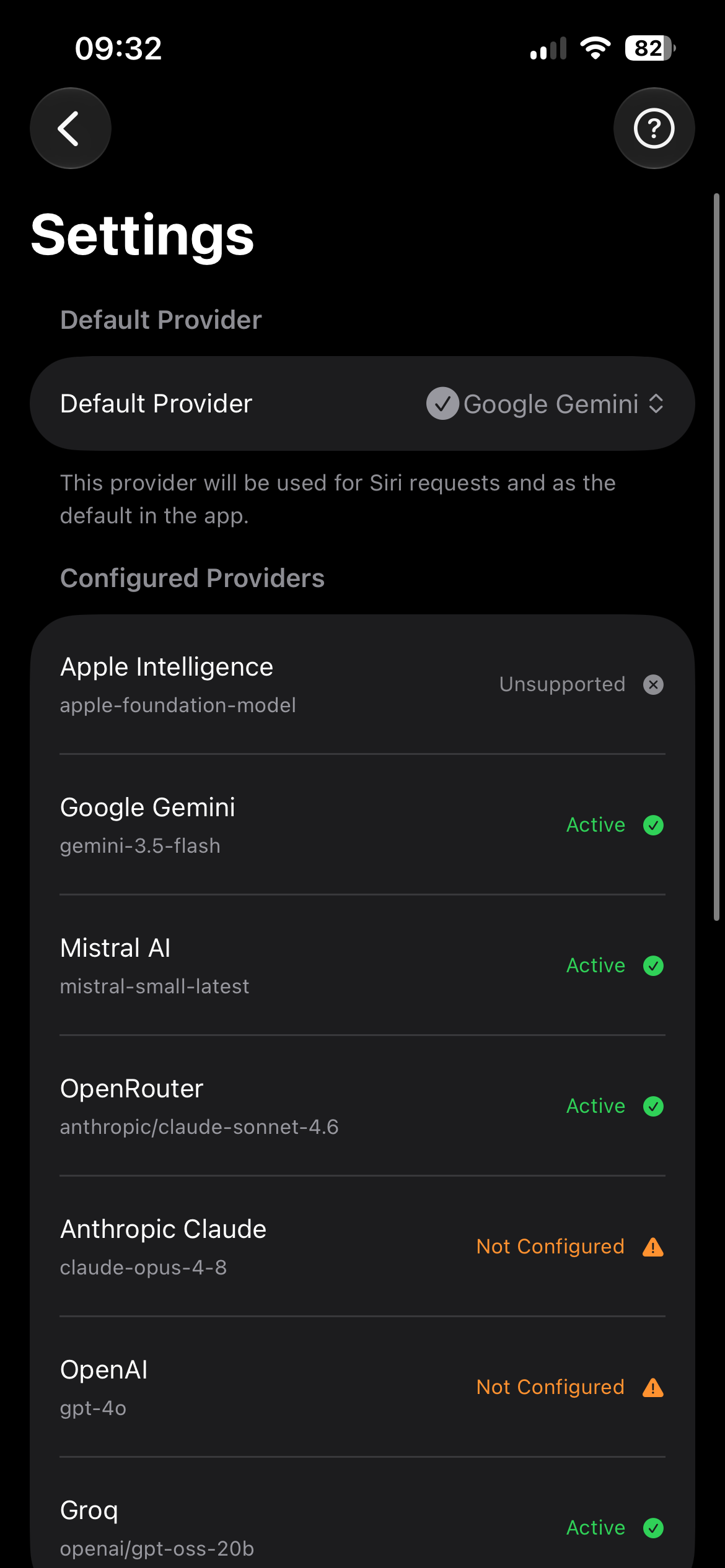
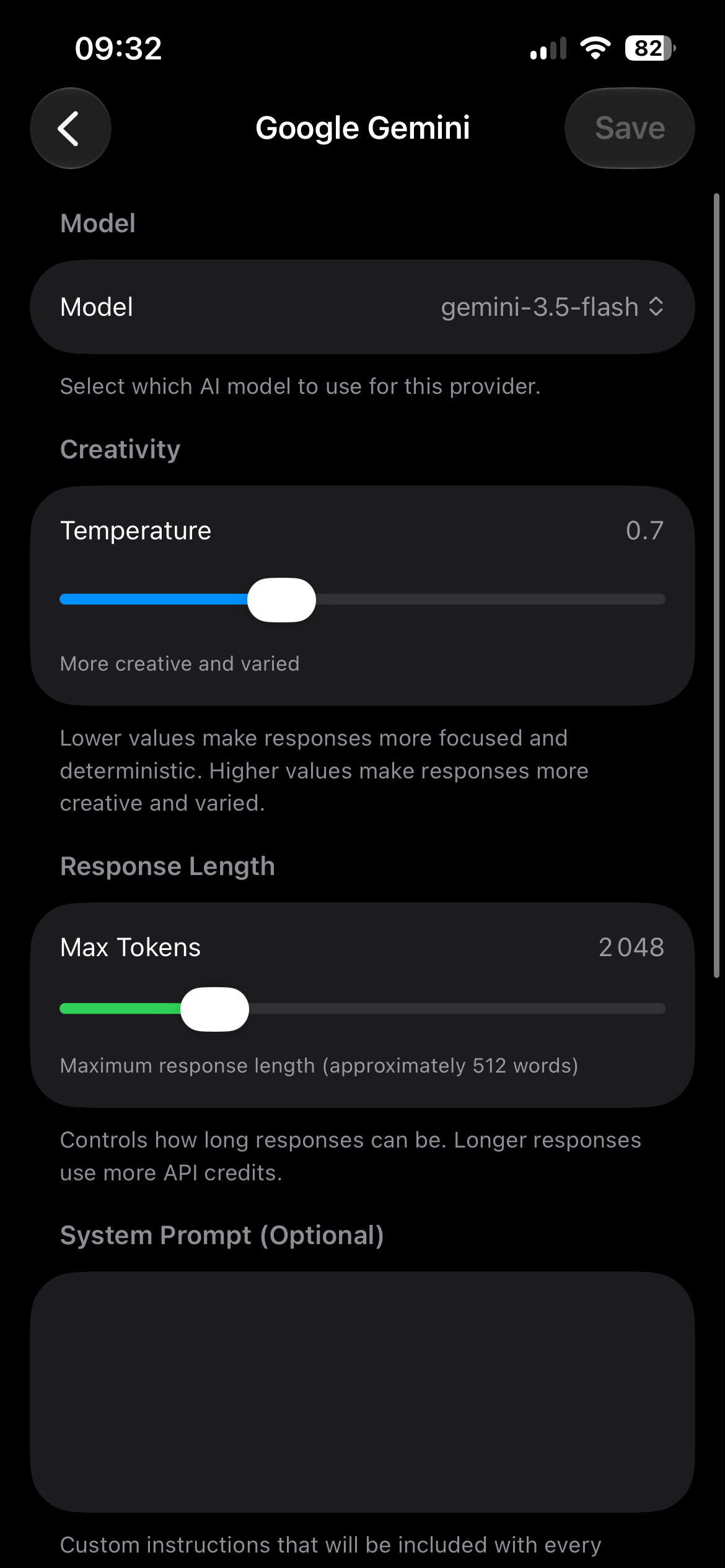
For iPhone & CarPlay · iOS 17.6+

Ask real AI through Siri. Hands-free.

Say “Hey Siri, ask MILO” from the lock screen, your headphones, or the car — and get a short spoken answer from GPT, Claude, Gemini, or 200+ other models. No app to open. No typing.

$8.99 one-time · US price, Apple sets local pricing · Bring your own keys

The problem

“Here’s what I found on the web.”

Siri hears you. The real AI can’t.

Ask Siri anything real and you get a web search you have to glance down and tap. GPT, Claude, and Gemini are far smarter — but on iOS only Siri can be triggered hands-free, system-wide. MILO is the bridge: Siri’s voice, your model’s answer.

How it works

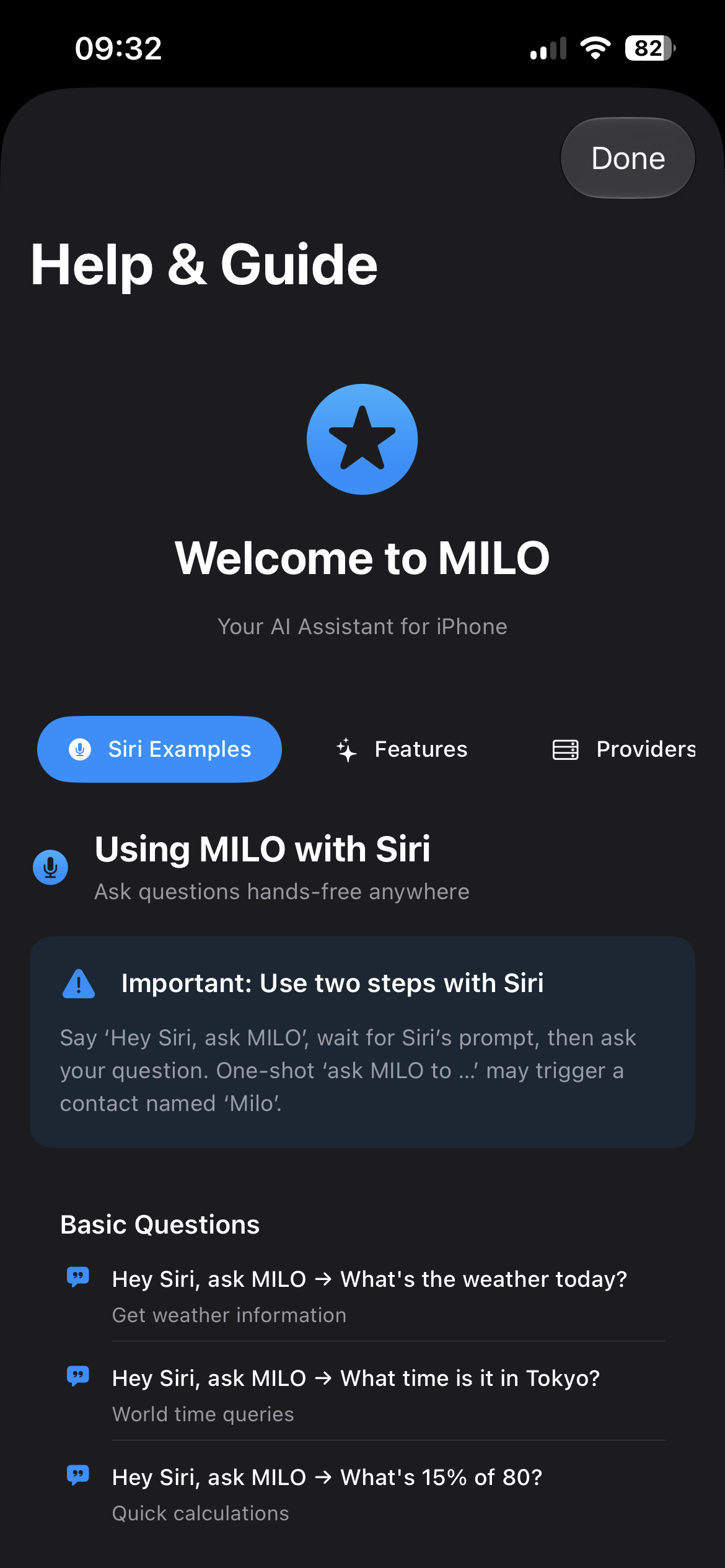
Two words, then your question.

Wake Siri, say “Ask MILO”, and Siri hands the conversation to the model you chose. The short pause keeps the trigger reliable.

01

“Hey Siri”

Works from the lock screen, AirPods, or CarPlay.

02

“Ask MILO”

Siri hands off to MILO. Say your question.

03

A spoken answer

Short, read aloud, from GPT, Claude, Gemini or 200+ models.

Interactive demo

Hey Siri

Uh huh?

Ask MILO

What is the prompt?

⚡️ MILO answers with the AI model you picked

What wine pairs with focaccia garlic bread?

A crisp Vermentino or an herby Sauvignon Blanc keeps it bright.

Say “ask MILO” again to keep going — follow-ups remember the context. Short commands like “switch to Gemini” or “start a new chat” run before your next question.

Ask MILO → Give me a healthy breakfast recipe

Cooking ideas

Ask MILO → Write an email about a meeting

Writing help

Ask MILO → What’s 15% of 80?

Quick calculations

What you get

Built for the car. Private by default.

Ask by voice through Siri

The only system-wide, hands-free trigger on iOS, routed to the model you choose.

Short spoken answers in the car

CarPlay mode keeps replies brief and reads them aloud, so your eyes stay on the road.

Any model, switched by voice

7 providers and 200+ models, including on-device Apple Intelligence.

Private by design

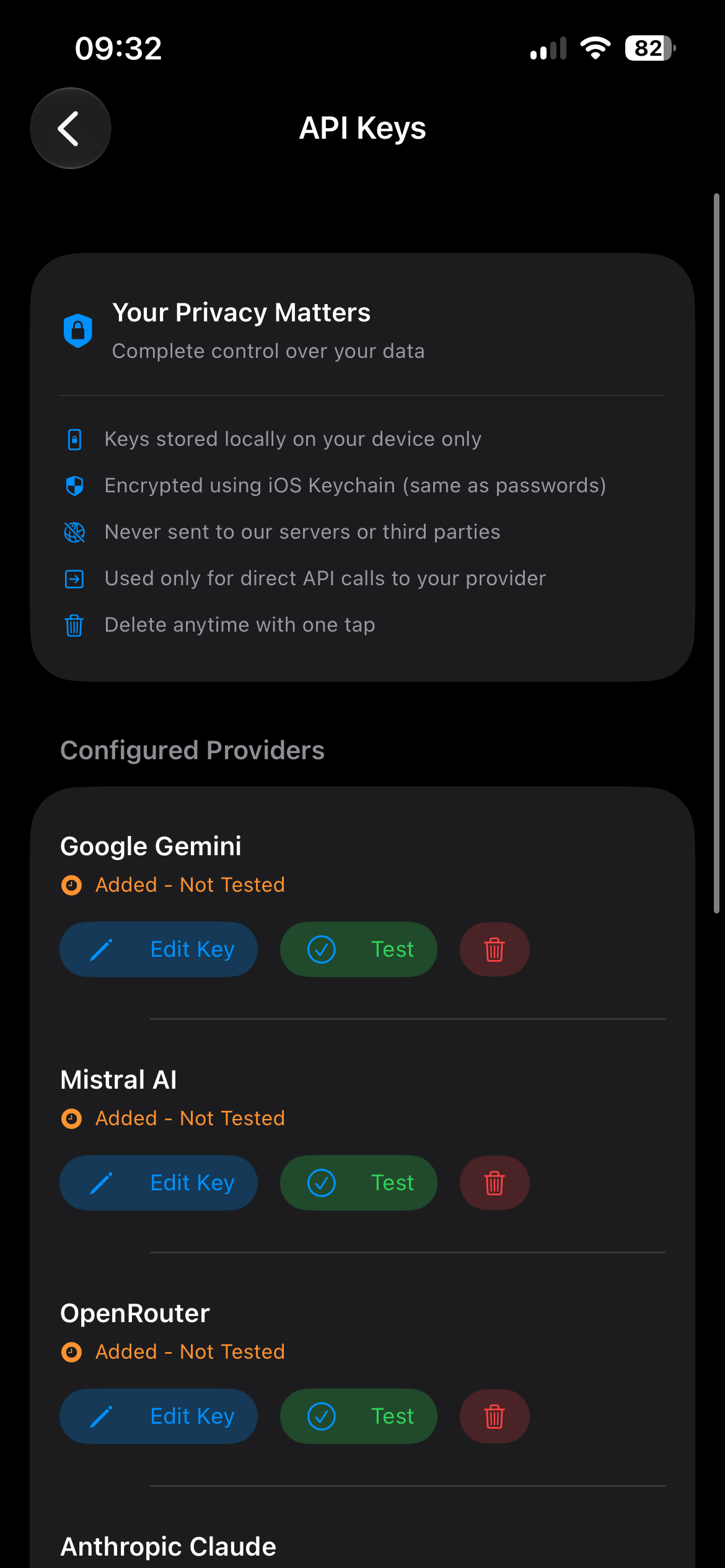
Keys live in the iOS Keychain, history stays on-device, no accounts, no prompt analytics.

The app

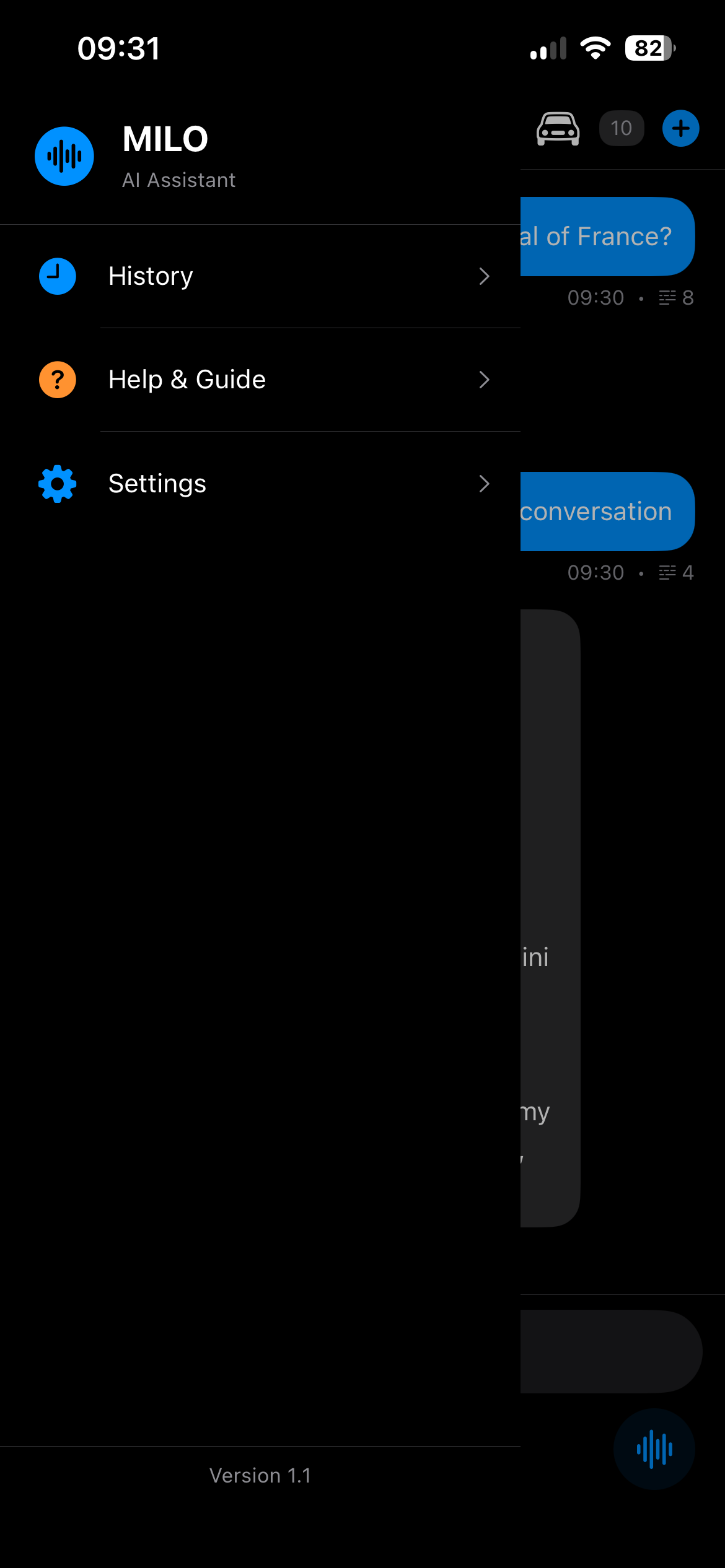
Everything else lives in the app.

The core job is voice in, answer out. The screens below are where you pick models, add keys, and review history.

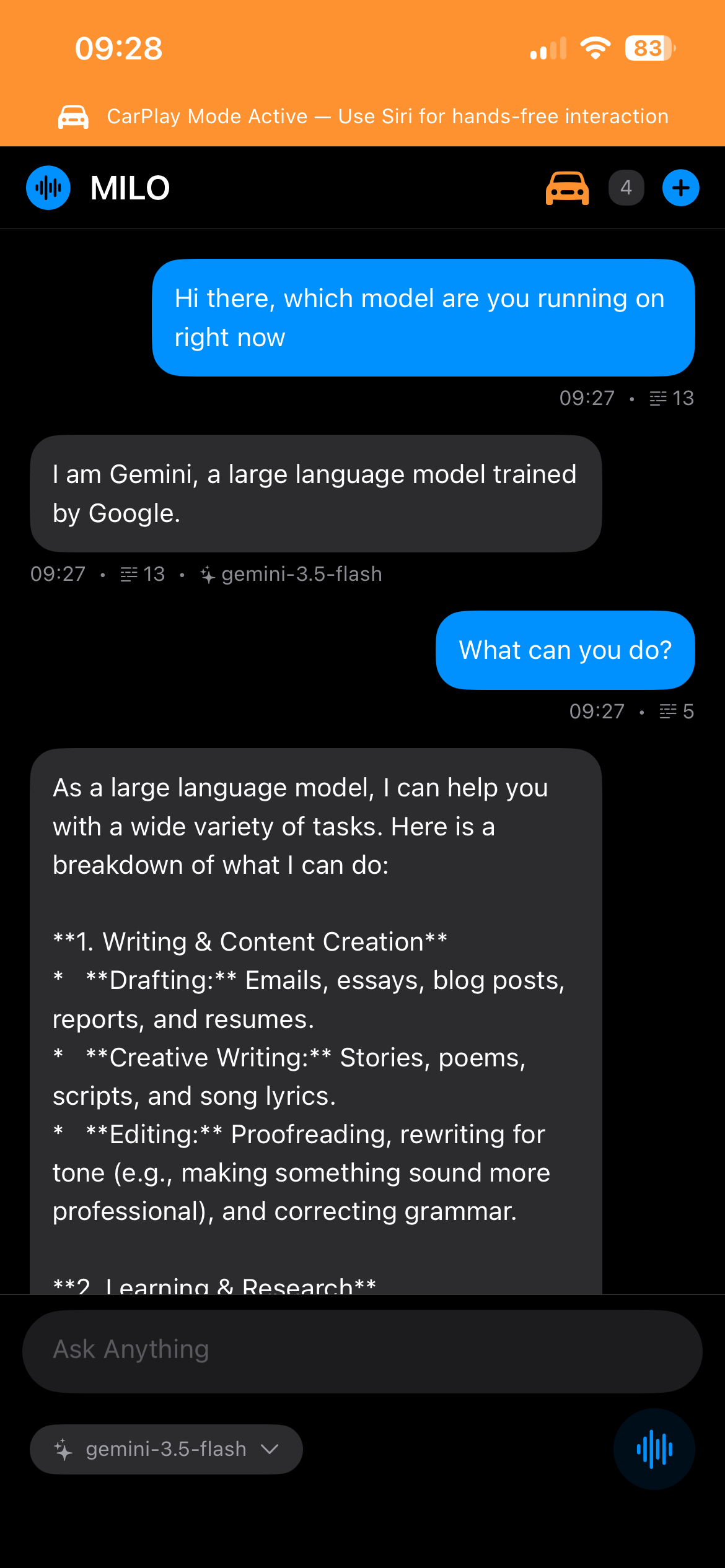
MILO in CarPlay mode showing a hands-free chat answered by Gemini

Siri voice, real answer

Ask by voice through Siri and switch models mid-conversation — answers stay short and spoken.

CarPlay mode — brief, spoken answers

1 / 9

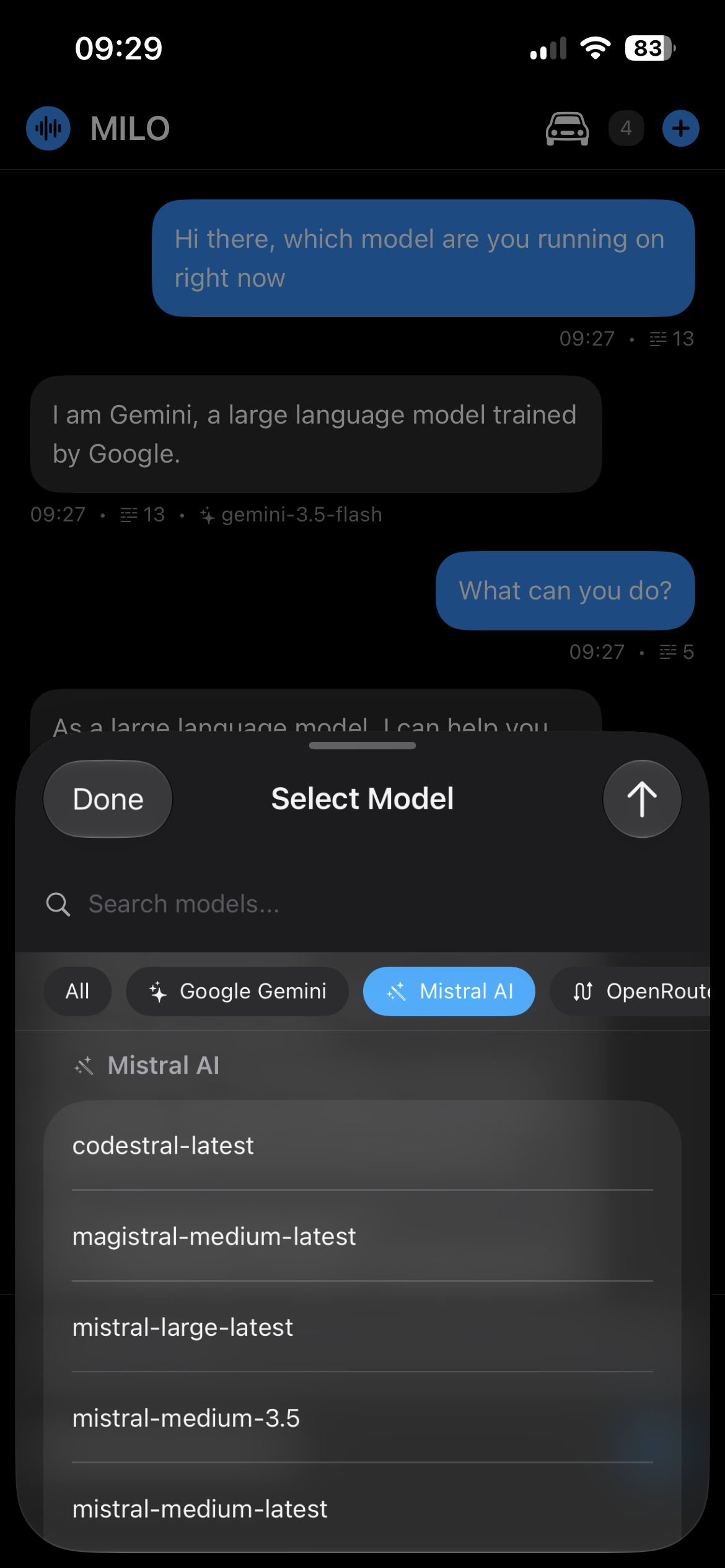
Models

Your keys. Any model. One voice.

Pick from 7 providers, including on-device Apple Intelligence. Switch by voice mid-conversation. Only the provider you choose ever sees a prompt.

OpenAI

  • GPT-5.5, GPT-5.4 & mini
  • Strong all-round reasoning

Anthropic Claude

  • Claude Opus 4.8, Sonnet 4.6, Haiku
  • Great for long, careful analysis

Google Gemini

  • Gemini 3.5 Flash & 3.1 Pro
  • Fast, with a generous free tier

Mistral AI

  • Large, Medium & Small
  • European, multiple sizes for cost

Groq

  • Llama, GPT-OSS, Qwen, Kimi
  • Extremely fast inference

OpenRouter

  • 200+ models behind one key
  • Many free models available

Apple Intelligence

  • On-device foundation model
  • No key, nothing leaves the phone

Ollama (Local)

Coming soon

  • Coming soon — not in this release
  • Local models when it ships

No API key yet? Start with a free one.

Two community directories for finding a key that works with MILO:

Pick an offer with API access for a provider MILO supports — OpenAI, Anthropic, Google Gemini, Mistral, Groq or OpenRouter. Sign up on the provider’s site, create an API key in its dashboard, then add it in MILO under Settings → API Keys and choose the model. Check the provider’s current limits and eligibility before claiming an offer — listings change, not every offer works with MILO, and free tiers may not stay free.

Compared

The apps are smart. They just can’t hear you.

On iPhone, ChatGPT, Claude and Gemini all need a tap first.

Feature comparison for Invoke by voice, system-wide (no app to open): MILO, ChatGPT, Claude, and Gemini on iPhone.
AssistantInvoke by voice, system-wide (no app to open)
MILOYes — through Siri
ChatGPTNo — open app first
ClaudeNo — open app first
GeminiNo — open app first
Feature comparison for Short, spoken answers tuned for CarPlay: MILO, ChatGPT, Claude, and Gemini on iPhone.
AssistantShort, spoken answers tuned for CarPlay
MILOYes — automatic
ChatGPTYes (iOS 26.4+)
ClaudeNo
GeminiLimited
Feature comparison for Choice of AI provider & model: MILO, ChatGPT, Claude, and Gemini on iPhone.
AssistantChoice of AI provider & model
MILO7 providers, 200+ models
ChatGPTOpenAI only
ClaudeAnthropic only
GeminiGoogle only
Feature comparison for Bring your own API keys: MILO, ChatGPT, Claude, and Gemini on iPhone.
AssistantBring your own API keys
MILOYes — Keychain
ChatGPTSubscription
ClaudeAccount / sub
GeminiAccount / sub

Why I built MILO

Luong

Luong, maker of MILO

Builds and uses MILO daily

On iOS, Siri has true hands-free, system-wide voice. No other assistant has that. The catch: Siri isn’t very smart. The models I rely on — GPT, Claude, Gemini — are locked behind taps you can’t make while driving.

So I wired Siri to those models. I used it every day in the car and on the move. I wasn’t planning to release it.

The wait for a smarter built-in Siri kept slipping. I’d rather give you the bridge today: Siri voice to real AI. That’s MILO.

If Siri has ever answered with a web search while your hands were full — that’s exactly why MILO exists. Built in public, used daily by one person.

Pricing

One purchase. No subscription.

$8.99

One-time purchase · US price, Apple sets local pricing

  • Unlimited conversations with any model
  • Siri, CarPlay, lock screen and headphones
  • GPT-5.5, Claude Opus 4.8, Gemini 3.5 Flash, Mistral, Groq, OpenRouter, Apple Intelligence
  • Your keys, your data — nothing logged or sold
Download on the App Store

Cloud providers are billed by the provider on your own key — many have free tiers. On-device Apple Intelligence needs no key.

Questions, answered.

Why can’t I just use the ChatGPT, Claude, or Gemini apps with my voice?

On iOS, only Siri can be triggered hands-free, system-wide. ChatGPT, Claude, and Gemini apps need you to open them first. MILO connects Siri’s exclusive voice access to any model you choose — ask while driving or hands full.

Which AI models can I use?

Seven providers you can use today: OpenAI (GPT-5.5), Anthropic (Claude Opus 4.8), Google (Gemini 3.5 Flash), Mistral, Groq, OpenRouter (200+ models), and Apple’s on-device Intelligence. Local Ollama is coming soon and is not available in this release. Switch between the shipped providers by voice.

How private is it?

Your API keys live in the iOS Keychain and your conversation history stays on your device with SwiftData. There are no accounts and no analytics on your prompts — only the provider you enable ever sees them. On-device Apple Intelligence does not send prompts to a third-party AI service.

Do I need my own API keys?

For the cloud providers, yes — that keeps costs transparent and under your control, and many offer generous free tiers. Apple Intelligence (on-device) needs no key.

Is it free?

MILO is a one-time purchase ($8.99 USD in the US; Apple sets the local price in your country — no subscriptions). Download the app and use Apple Intelligence where it is available — no API key needed. For cloud providers (OpenAI, Anthropic, Google, etc.), you bring your own keys and pay the providers directly — many offer generous free tiers.

How do I install MILO?

MILO is on the App Store — open the listing on your iPhone and tap Buy to download it like any other paid app. No invite or beta sign-up needed.

Where does it run?

iPhone and CarPlay on iOS 17.6+. It’s available now on the App Store.

Feedback

Help shape MILO

MILO is built and used daily by one person. Bugs, ideas and questions go to a public GitHub issue tracker — each link below opens a pre-filled form. A free GitHub account is all you need.

Browse existing issues